


Welcome to Group Practice Care
Your all-in-one platform for managing team training, onboarding, and HIPAA compliance.
We’ll walk you through everything you need to set up your team and start using Group Practice Care effectively.
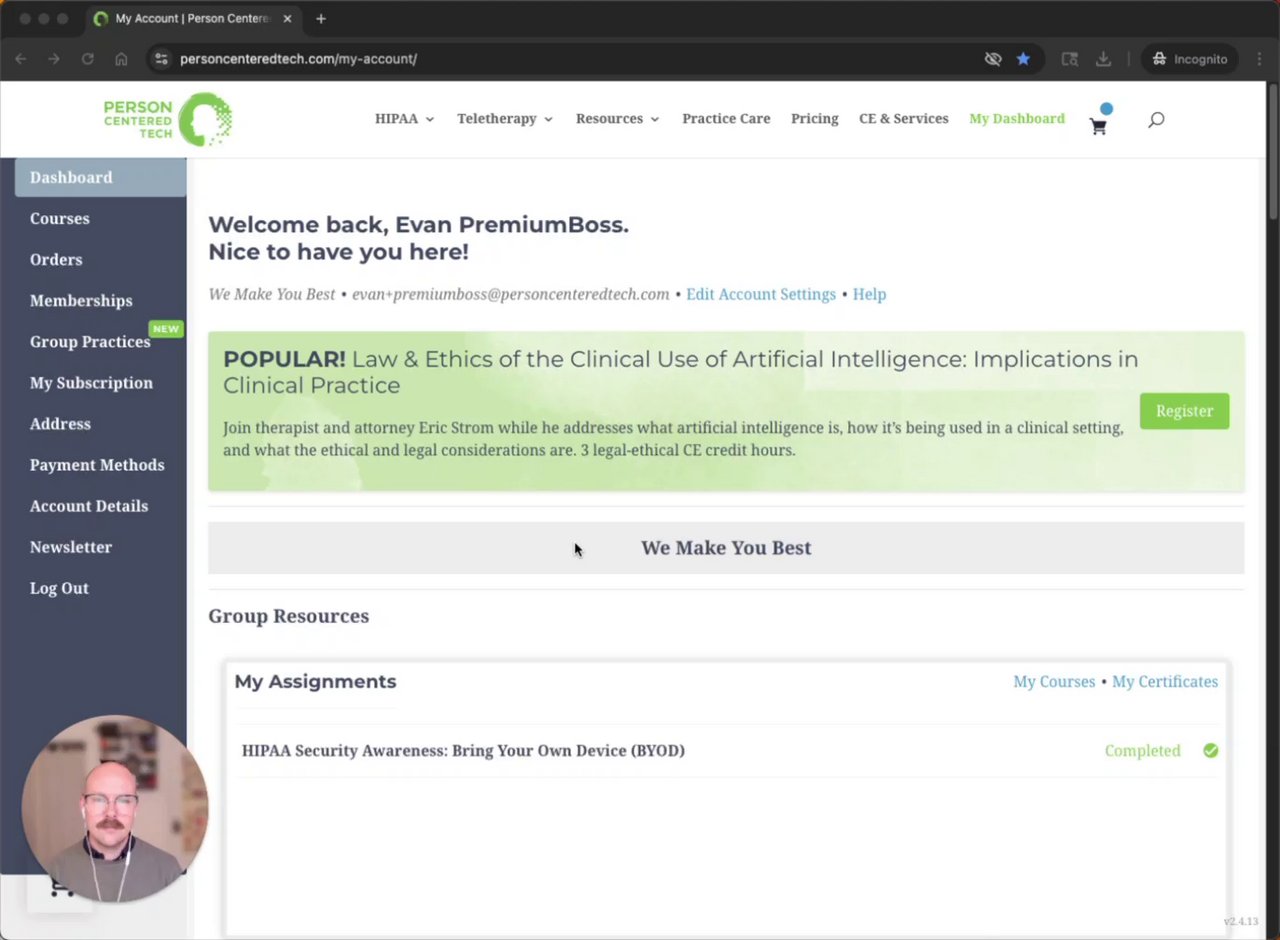
Watch: Adding Team Members (1:21)
Step 1: Invite Your Team
Send your team unique invitations to join your practice portal.
How to do it:
- Send invites via email or your team’s join link.
- Choose member roles
- Your team accepts the invite and logs in to their dashboard.
💡Tip: You can resend invitations anytime from your dashboard.
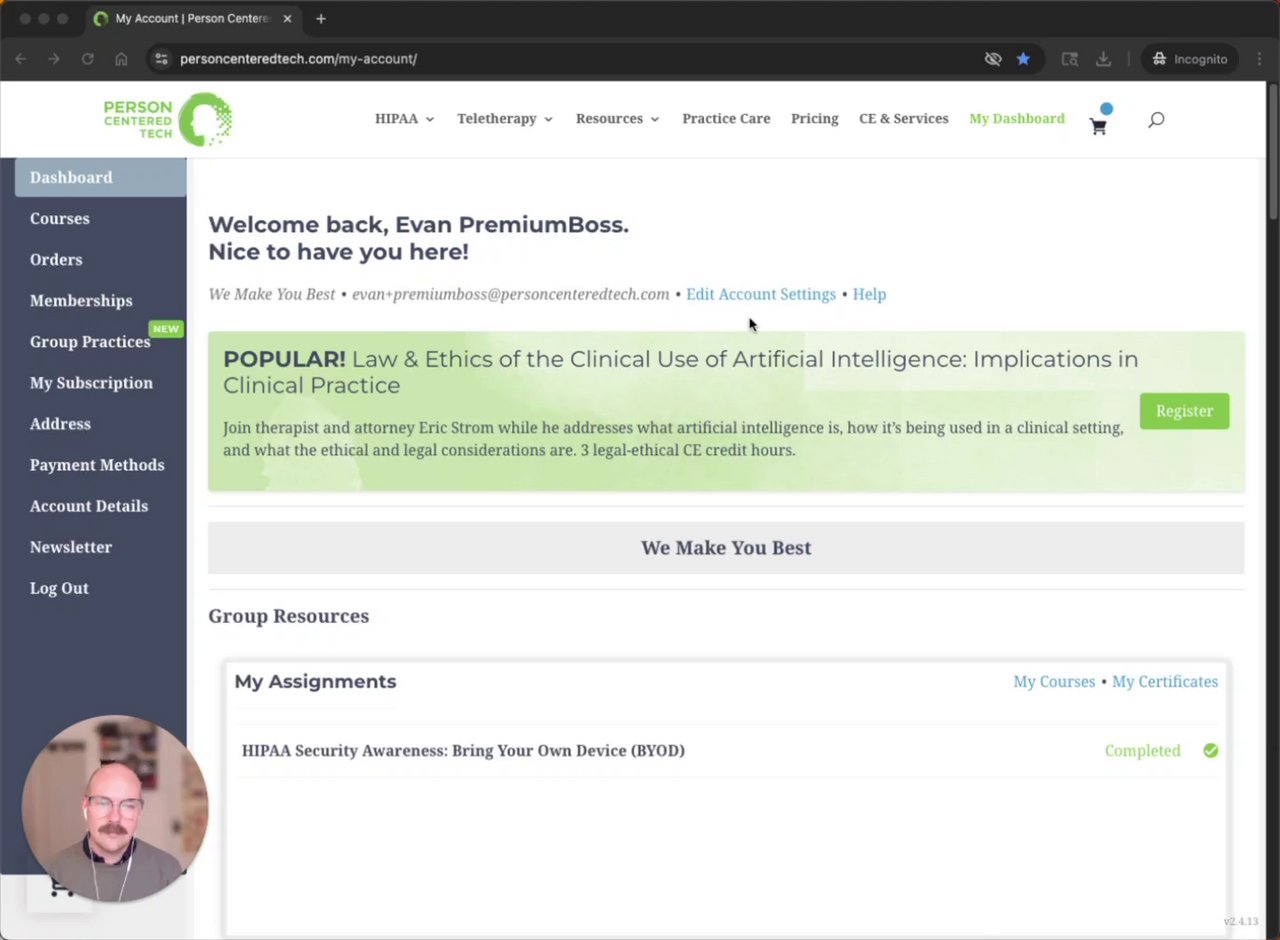
Watch: Assigning Trainings (2:15)
Watch: Assigning Repeat Trainings to the Same User (3:00)
Step 2: Assign Trainings
Assign trainings to your team members to ensure they’re ready for compliance and onboarding.
You can:
- Assign individual or group trainings.
- Reassign or repeat trainings for ongoing compliance.
- Monitor completion status from your team dashboard.
- Send your team unique invitations to join your practice portal.
Step 3: Monitor Progress
View who’s completed their trainings, resend invites, and manage your group from one place.
All activity updates automatically on your dashboard – no manual tracking required!

Group Practice Care Premium Welcome -- Group Practice Office Hours Introduction
Step 4: Access Premium Features (if applicable)
🧑🏫 Group Practice Office Hours — Join live Q&A sessions.
📝 Submit Consultation Questions — Get expert answers directly from PCT.
📚 Resource Library — View past session recordings and materials.
All activity updates automatically on your dashboard – no manual tracking required!
Group Practice Care Premium -- BYOD Introduction
Step 5: Bring Your Own Device (BYOD) Security Awareness
Ensure your team’s devices meet security standards.
-
Assign the BYOD training to your team.
-
Complete your own BYOD certification to model compliance.